

How it worksGuide
Put the checkout in your care plans.
Care plans and retainers often cover updates, backups and uptime. A scheduled checkout test adds the part a client notices first when it breaks: whether people can still buy.
What to cover for each store
- The main path: product page, cart and checkout, up to the payment step.
- A discount code, if the store runs promotions.
- Mobile as well as desktop, as two tests: each test uses one viewport.
- Any other flow the client depends on, such as a subscription product or a bundle.
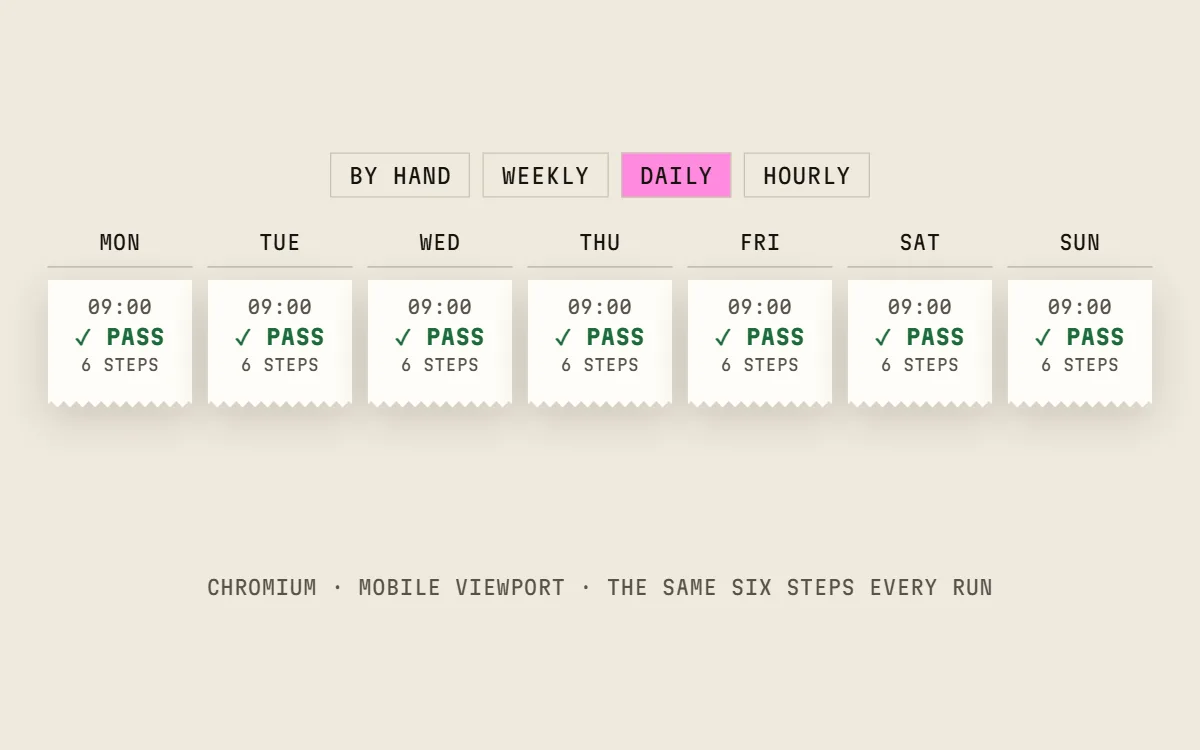
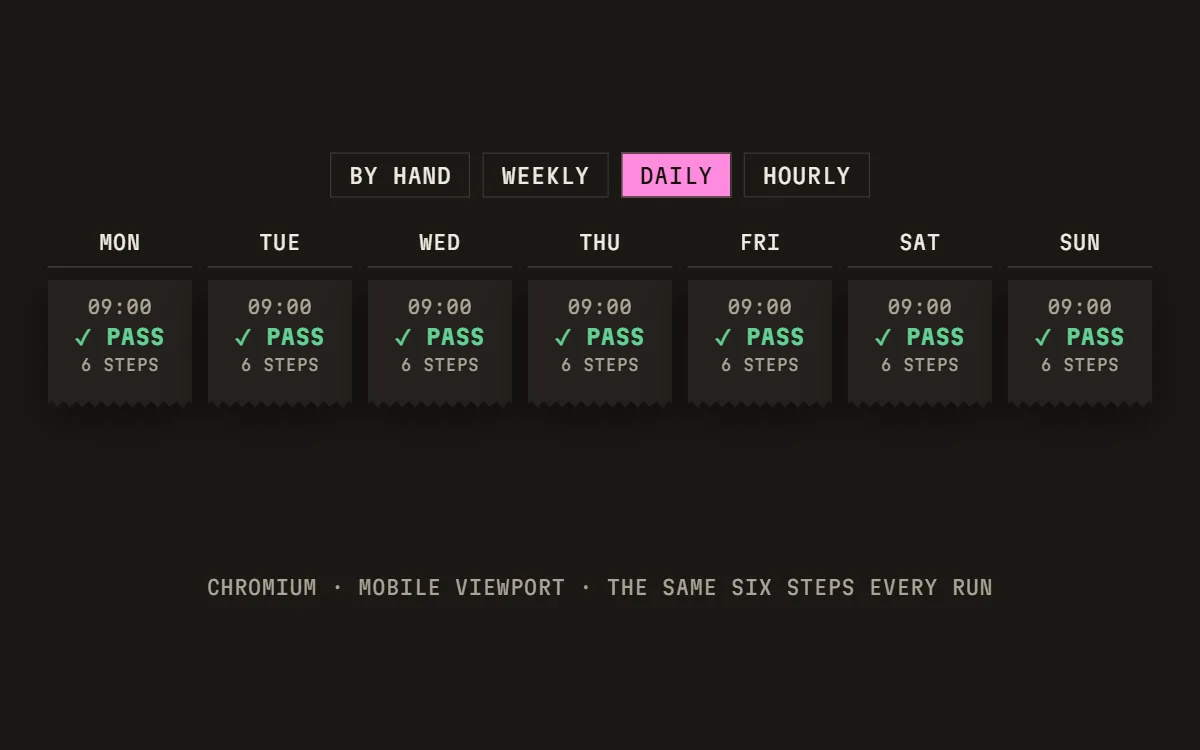
How often to check
- Weekly: a break is found within up to 7 days.
- Daily: within up to 24 hours.
- Hourly (Business): within about an hour.
Match the schedule to how often the store changes and how much it sells. Runs come from a monthly allowance shared by the workspace; before you turn on a schedule, the test shows whether it fits what's left this month.
Who gets the alert
A failed scheduled run is re-run once; a confirmed failure sends an email, and a Slack message on Pro and Business. Signed webhooks can pass it to your own tools on Business. Send it to whoever fixes the store, not only the account manager.
At most one alert per test per hour, so a store that stays broken doesn't flood the channel.
What the monthly report shows
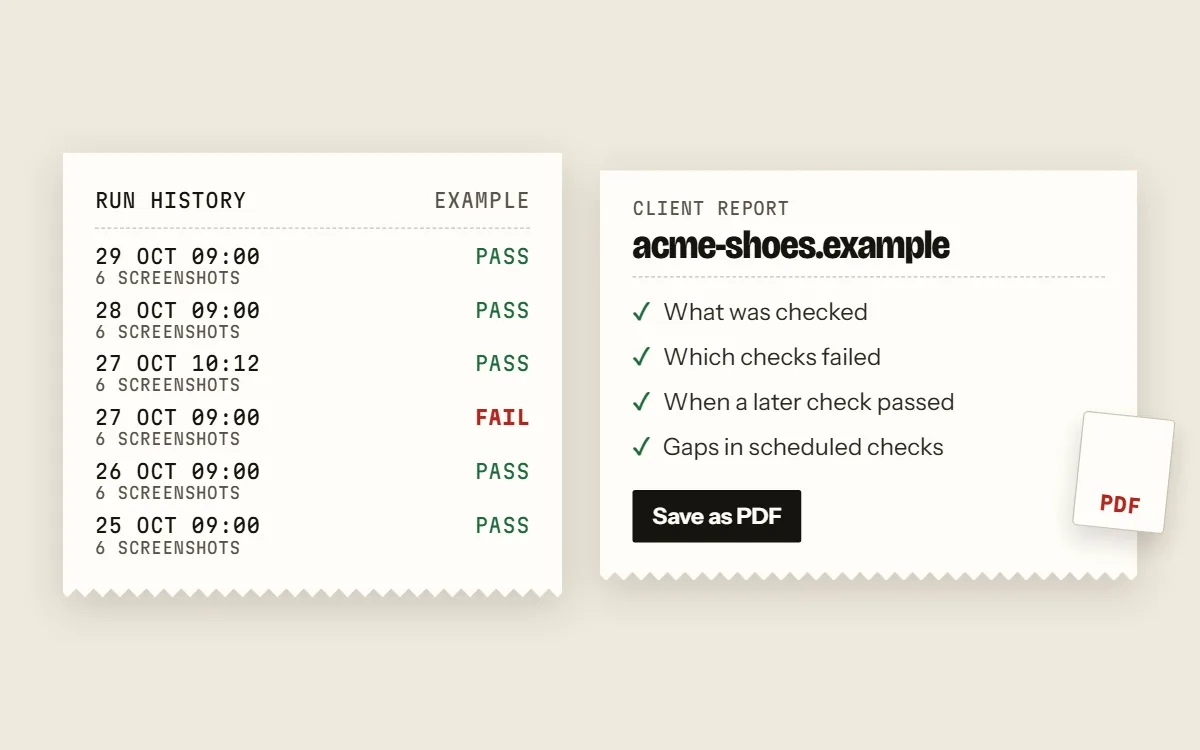
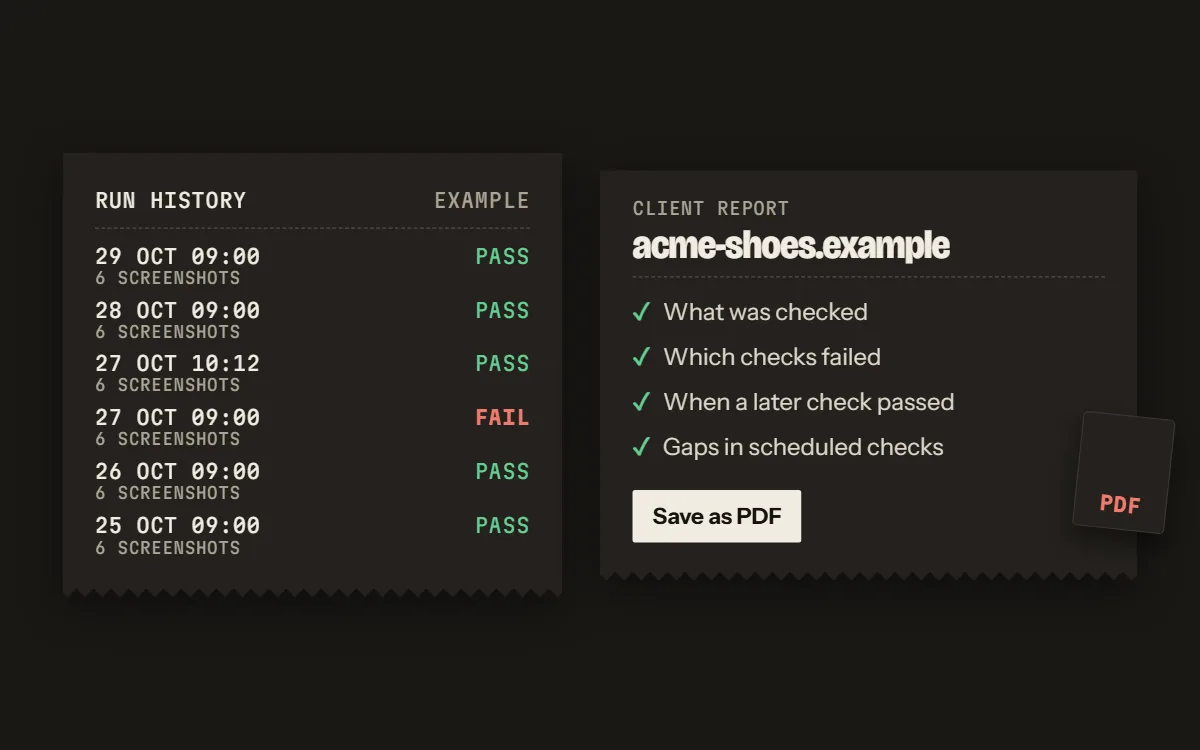
- What was checked.
- Which checks failed.
- When a later check passed.
- Any gaps in scheduled checks.
One report per client store on paid plans, saved as PDF, with your agency's branding on Starter, Pro and Business.
Questions
- Can I test stores on different platforms in one workspace?
- Yes. Tests run in a browser against each store's URL, so one workspace holds stores on any platform, up to your plan's number of tests.
- Does the report show the runs that passed?
- It shows what was checked, which checks failed, when a later check passed, and any gaps in scheduled checks.
- Do I need anything installed in the client's store?
- No. The test opens the store in Chromium like a shopper; nothing is added to the store.
- What does the free plan include?
- The Free plan includes one test that you can run by hand 10 times a month, with no card. Paid plans add schedules and start with a 0-day trial.
Try it on one store.
Free plan: one test, 10 runs a month by hand, no card. Scheduled runs start on a paid plan, and every paid plan starts with a 0-day trial.