

How it worksGuide
The store is up. The checkout isn't.
Uptime monitoring checks that a page answers. A checkout can fail while every page answers: the server replies, the page loads, and no order comes through.
What an uptime monitor checks
An uptime monitor requests a URL on a schedule and looks at the answer: the status code, sometimes a word on the page, sometimes the response time. If the server answers, the check passes.
That is worth having. It tells you when the store, the host or the domain is down. It doesn't click anything.
What it can't see
- A pay button that is hidden or can't be clicked.
- An Add to cart button that does nothing.
- A discount code field that rejects every code.
- A shipping step that never loads its rates.
- A script error that stops the payment section from appearing.
Each of these comes back as a normal page. The fault only shows when someone goes through the steps.
Uptime monitor vs checkout test, side by side
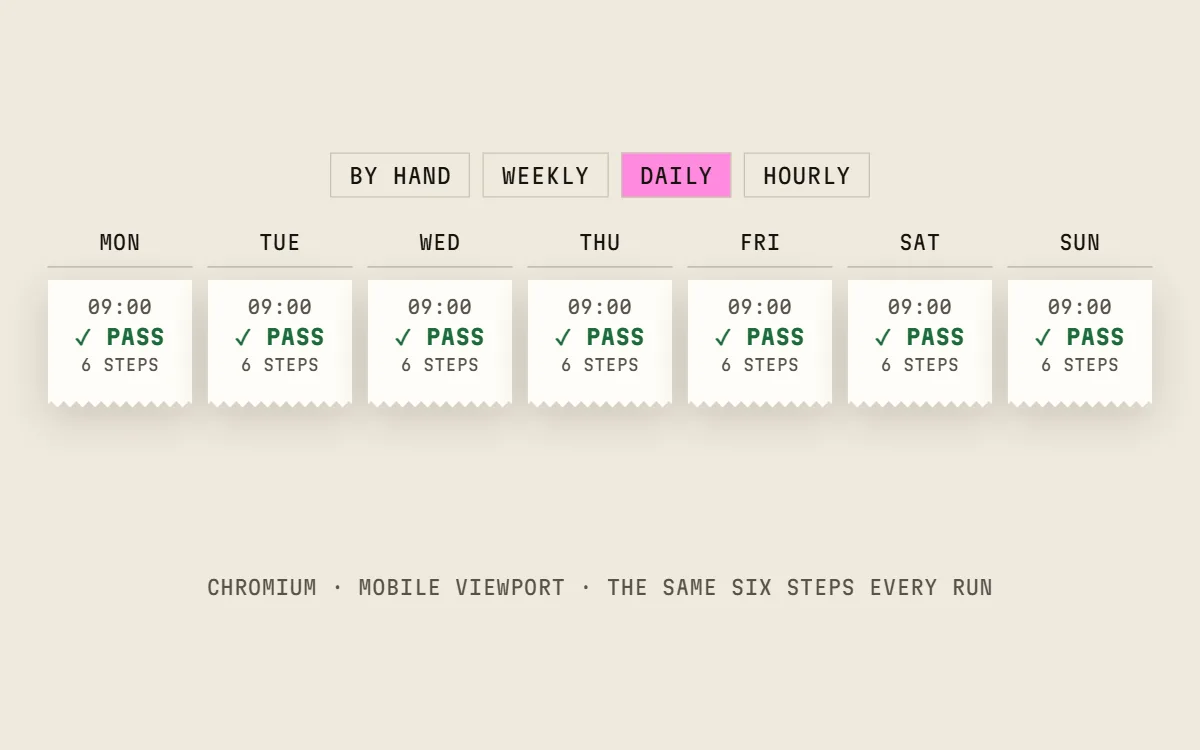
A checkout test runs less often than an uptime check: weekly, daily or hourly, depending on the plan. It doesn't replace uptime monitoring; it covers the part uptime monitoring can't see.
Scroll sideways to see both columns.
| Uptime monitor | Checkout test | |
|---|---|---|
| What it does | Requests a page and checks the answer | Goes through the checkout steps in a browser |
| A pass means | The server answered | Every step worked, up to the payment step |
| It catches | Downtime, server errors, slow responses | Broken steps, hidden buttons, fields that don't fill in |
| On a failure you get | The URL and the status | The failed step, the reason and a screenshot of each step |
Use both
Keep the uptime monitor for downtime. Add a checkout test for the path that brings in orders. Cartainty runs it in Chromium on the schedule you pick, re-runs a failed scheduled run once to rule out a blip, and only then alerts you.
Questions
- Is checkout monitoring the same as synthetic monitoring?
- It is one kind: a script acts like a visitor, on a schedule. A checkout test follows one flow on one store, from the product page to the payment step.
- How quickly does it find a problem?
- Within the schedule: up to 7 days on weekly, up to 24 hours on daily, about an hour on hourly (Business). Press Run at any time for an immediate check.
- Does it check tracking scripts too?
- Every plan also scans each site you add for tracking scripts, pixels and cookies, and notes when one is added, removed or changed.
- Does the test place a real order?
- Not unless you build it to. Most tests stop at the payment step. To check the last step too, a test can complete a zero-total order with a 100%-off code; that order is real and shows up in the store.
Try it on one store.
Free plan: one test, 10 runs a month by hand, no card. Scheduled runs start on a paid plan, and every paid plan starts with a 0-day trial.