

How it worksGuide
Test the checkout after every theme update.
A theme update rarely takes a store down. It changes the page: a button loses its colour, a field moves, a script stops loading. The store still answers, so nothing warns you. Only going through the checkout tells you whether people can still buy.
What a theme update can change
- A button that is still in the page but can't be seen or clicked, such as white text on a white button.
- A field that moved or was renamed, so the address form or the coupon box no longer fills in.
- An app block or script the new theme doesn't load, such as a shipping calculator or the payment section.
- The mobile layout, while desktop looks fine, or the other way round.
None of these returns an error page. A shopper runs into them; a check that only loads the page does not.
Check it by hand, right after publishing
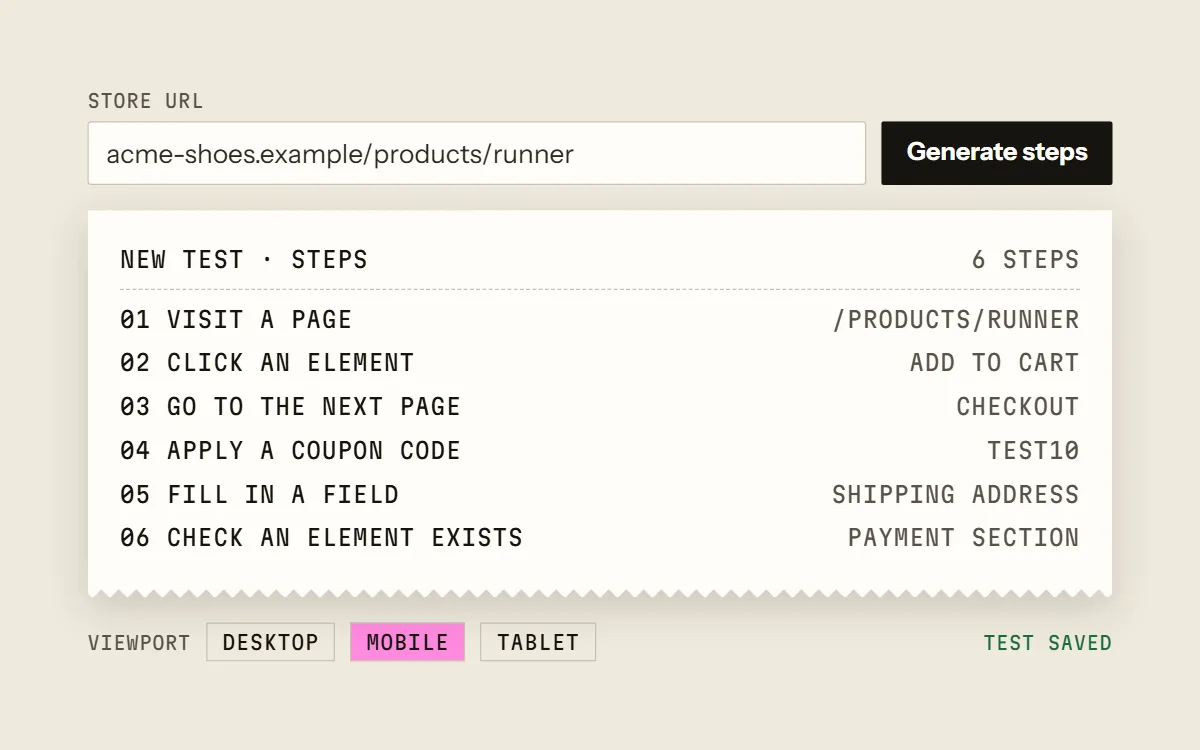
- 01Open a product page and add the product to the cart.
- 02Go to the cart and on to checkout.
- 03Apply a test discount code.
- 04Fill in a shipping address and choose a shipping method.
- 05Check that the payment section appears. Stop before paying.
- 06Do it again on a phone, or in a mobile-sized window.
On one store this is quick. On the tenth store, or the third update this month, it is the step that gets skipped.
Make the check repeat itself
Cartainty saves those steps as a test and runs them in Chromium, by hand whenever you press Run, or on a schedule: weekly, daily or hourly, depending on the plan. Press Run right after publishing a theme, and let the schedule catch whatever changes later.
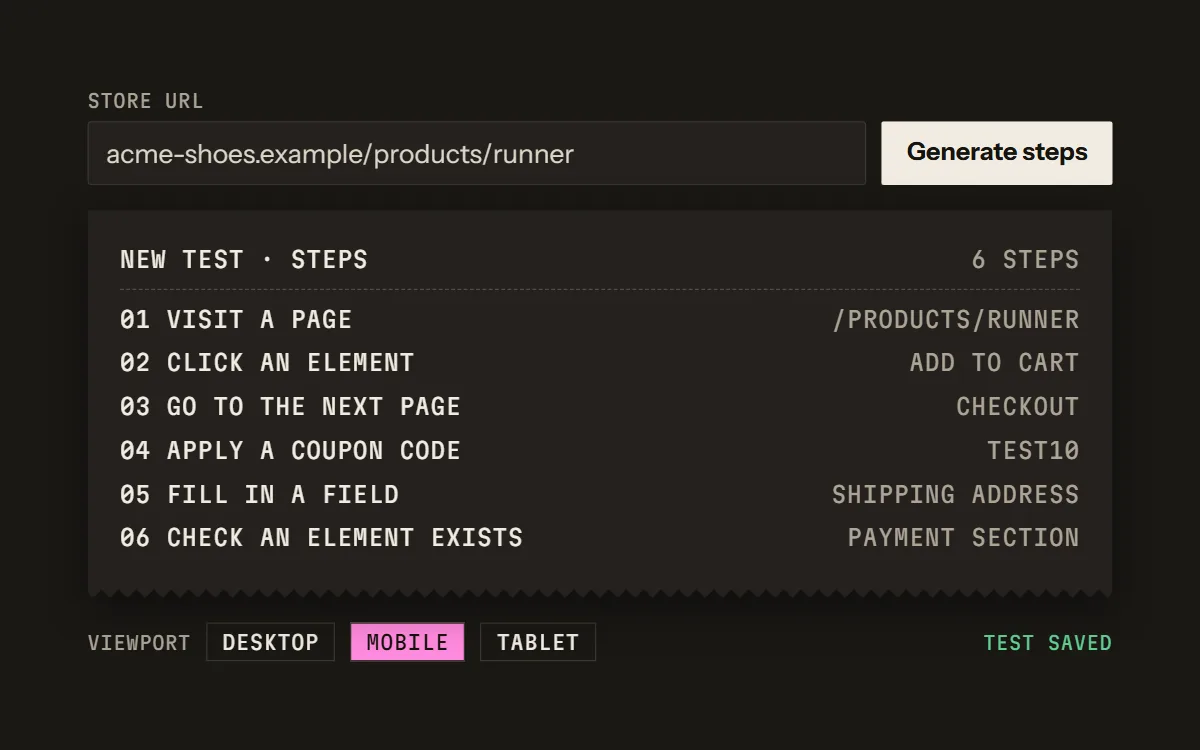
Steps can be generated from a store URL, recorded with the Chrome extension on Pro and Business, or added by hand.
When a step fails after the update
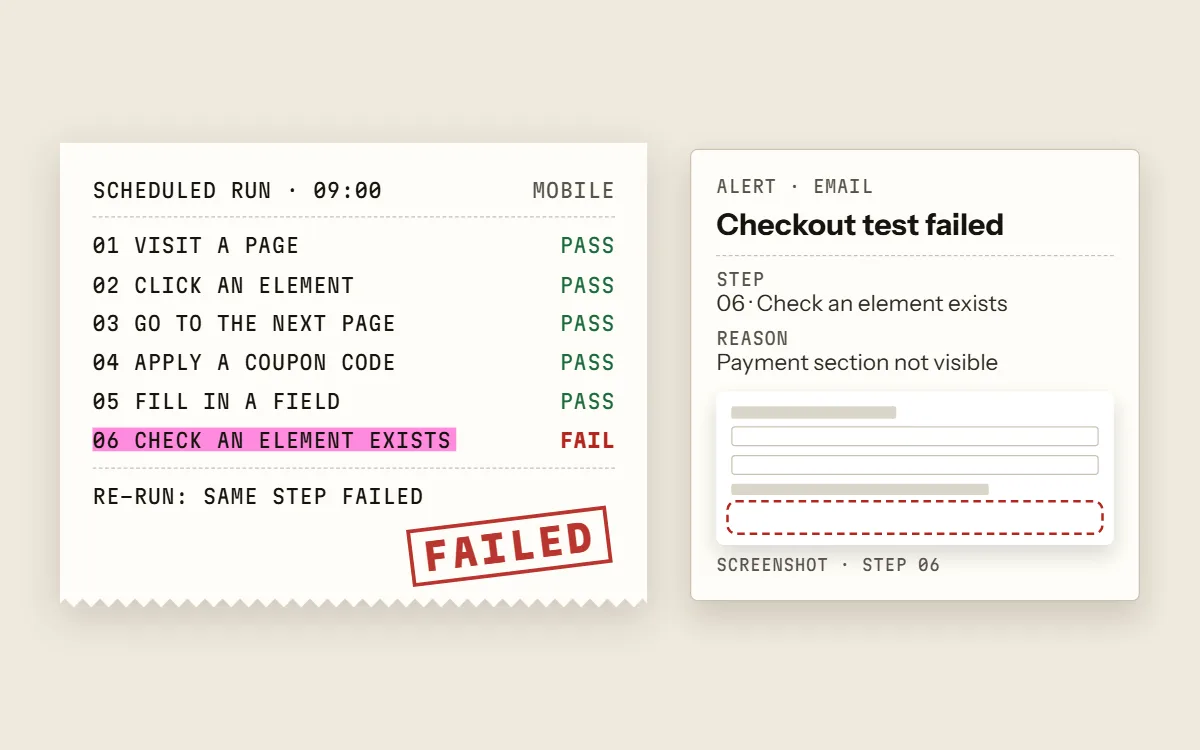
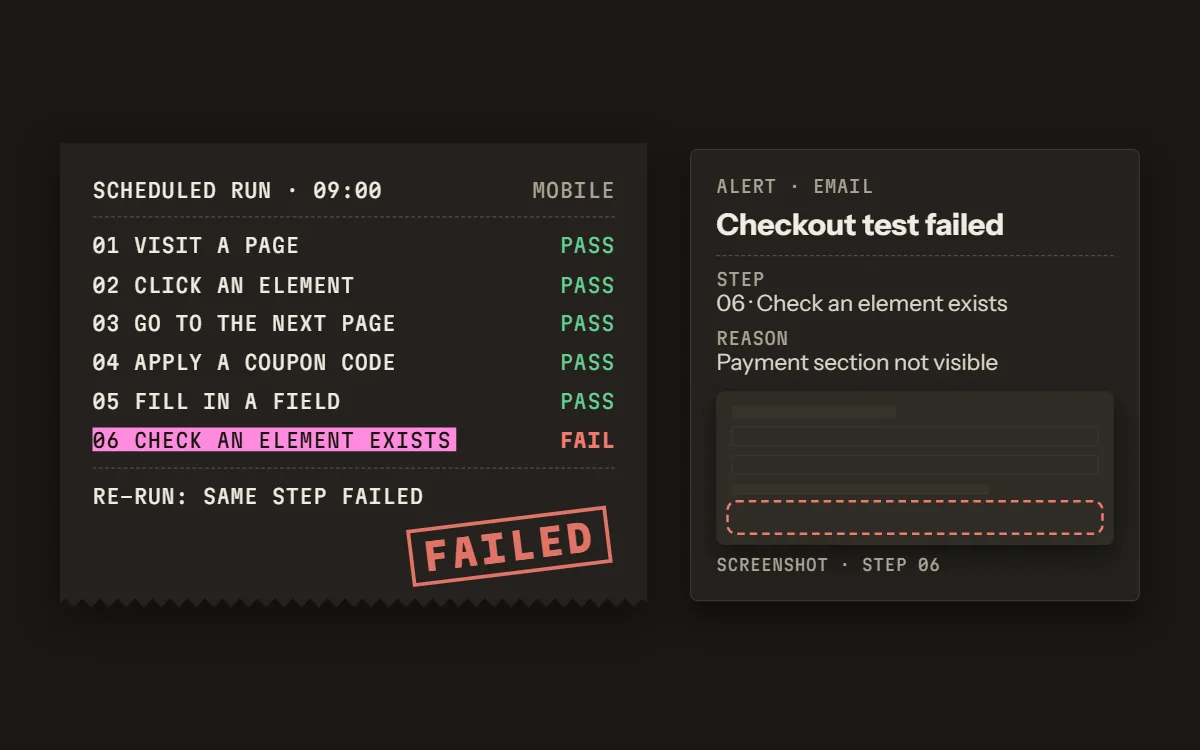
A failed scheduled run is re-run once to rule out a blip. A confirmed failure sends an email, and a Slack message on Pro and Business. The run page shows the step that failed, the reason in plain words, and a screenshot of each step before it, so you can see what the theme changed.
At most one alert per test per hour, so a test that stays broken doesn't flood the inbox.
Mobile and desktop break separately
Each test uses one viewport: desktop, mobile or tablet. Mobile and tablet are emulated screens in Chromium, not real iPhones or Safari. Covering desktop and mobile takes two tests.
Questions
- Does the test place a real order?
- Not unless you build it to. Most tests stop at the payment step. To check the last step too, a test can complete a zero-total order with a 100%-off code; that order is real and shows up in the store.
- Do I need to install anything on the store?
- No. The test opens the store in Chromium, the way a shopper would. The Chrome extension, on Pro and Business, runs in your own browser and only records the steps you click through.
- Which platforms does it work with?
- Steps can be generated from Shopify, WooCommerce and BigCommerce store URLs. On other platforms, record the steps or add them by hand.
- What does the free plan include?
- The Free plan includes one test that you can run by hand 10 times a month, with no card. Paid plans add schedules and start with a 0-day trial.
Try it on one store.
Free plan: one test, 10 runs a month by hand, no card. Scheduled runs start on a paid plan, and every paid plan starts with a 0-day trial.